
Formulas vs Pivot Tables: This is Embarrassing
Download the Excel file used in the video: https://www.excelcampus.com/pivot-tables/excel-summary-reports-formulas-pivot-tables/
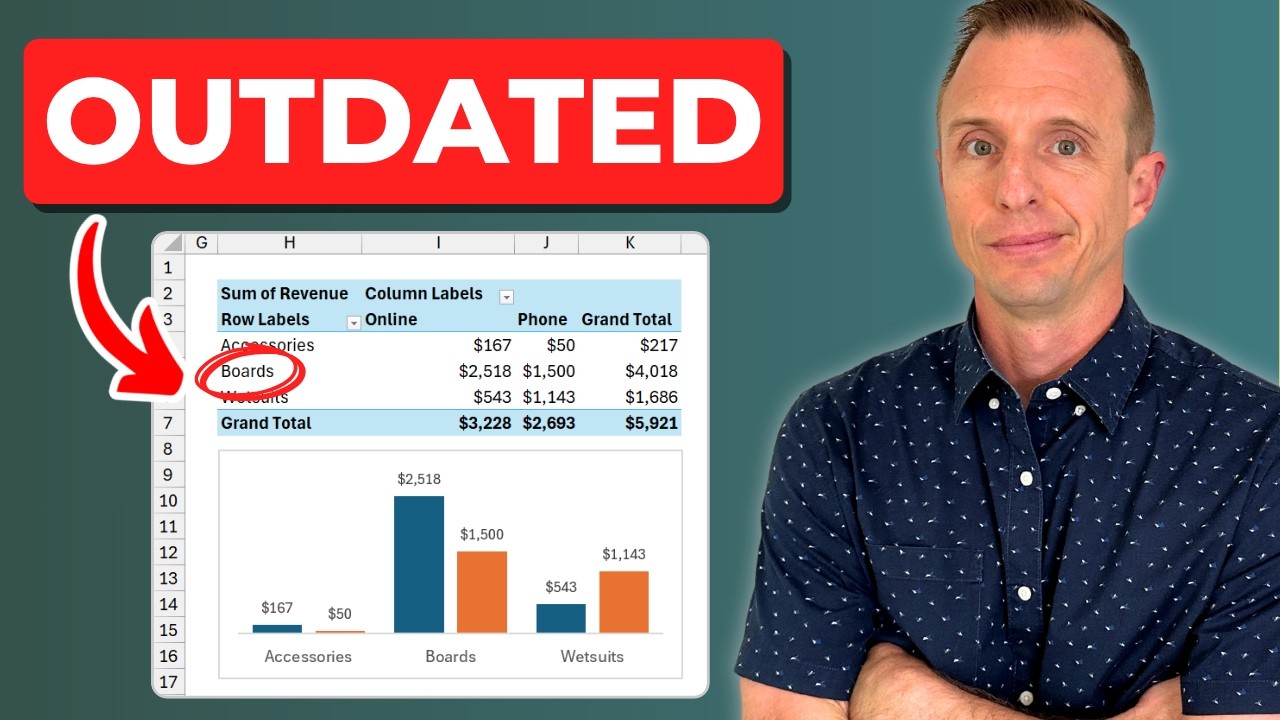
When your boss asks for a summary report, knowing how to analyze data with both formulas and pivot tables is essential. This Excel tutorial shows you how to use powerful features like UNIQUE, SUMIFS, GROUPBY, and pivot tables to create quick data insights. You will learn when to use each technique and how to prevent outdated reports that can cause embarrassing mistakes.
Additional Resources:
📰Subscribe to our free Excel Pro Tips Newsletter:
🧠Latest Free Masterclass on Excel & AI: https://www.excelcampus.com/blueprint-live-replay
▶️Related Videos:
Beginners Guide to Excel Tables: https://youtu.be/fJnJTff4Na8
Automatically Refresh Pivot Tables: https://youtu.be/NI1UQcYtl1A
0:00 Introduction
0:20 Data Preparation with Excel Tables
1:11 Creating Summary Reports with UNIQUE & SUMIFS Functions
4:11 Using the GROUPBY & PIVOTBY Functions
5:26 Building Summary Reports with Pivot Tables
8:53 Comparing Summary Report Techniques
5 Comments
can not download the excel file
As always, a highly professional overview. I enjoyed the detailed comparison, how each scenario has a prefered solution.
Another benefit of the modern formulas is it's easier to see the summary data in the same sheet, while Pivot Tables work best in a separate worksheet.
Great video, thanks Jon!
Excellent presentation, Jon. Let's hope the automatic updating of pivot tables returns soon. It was a very important new featur
Where can I get that coffee mug?